 Peptide Log
· 3 min read
Peptide Tracker vs Spreadsheet: Choose a Log You Can Maintain
Compare a peptide tracker with a spreadsheet using one sample record, retrieval checks and privacy questions. Find the workflow that fits your everyday log.

Choosing between a peptide tracker and a spreadsheet starts with your everyday records: can you enter an event, find it later and understand what you wrote? Both approaches can hold a useful history. The better fit depends on whether you prefer customizing a file or using connected records on your phone.
Instead of comparing long feature lists, try the same fictional record in each workflow. This exercise is about organizing information, not choosing a medicine or changing treatment.
Start with one record, not a treatment plan
Imagine this synthetic example: November 12, 8:15 a.m., an event linked to “Vial A,” a location recorded as “left abdomen,” and a note saying “question for appointment.” It describes a record structure, not an instruction to inject anywhere.
Keep any amount and unit exactly as documented in your original record; this example deliberately supplies neither. Keep planned events separate from completed ones. If you cannot confirm what happened, preserve that uncertainty instead of filling the gap from memory.
Our injection log guide explains the fields that can make an entry easier to understand.
How the spreadsheet workflow handles it
In a spreadsheet, put that example in one row with separate columns for date, time, vial reference, recorded location and note. Choose consistent date formatting and location names so sorting does not scatter related entries.
The advantage is flexibility. You decide which columns exist and can rearrange the file for your own review. You can keep the sheet simple rather than building charts or formulas you do not need.
The responsibility is maintaining that structure. If vial details sit on another tab, check that both tabs refer to the same identifier. Sort whole rows together and check that dates and notes remain paired. A formula cannot verify whether an entry matches what actually happened.
How a dedicated tracker handles it
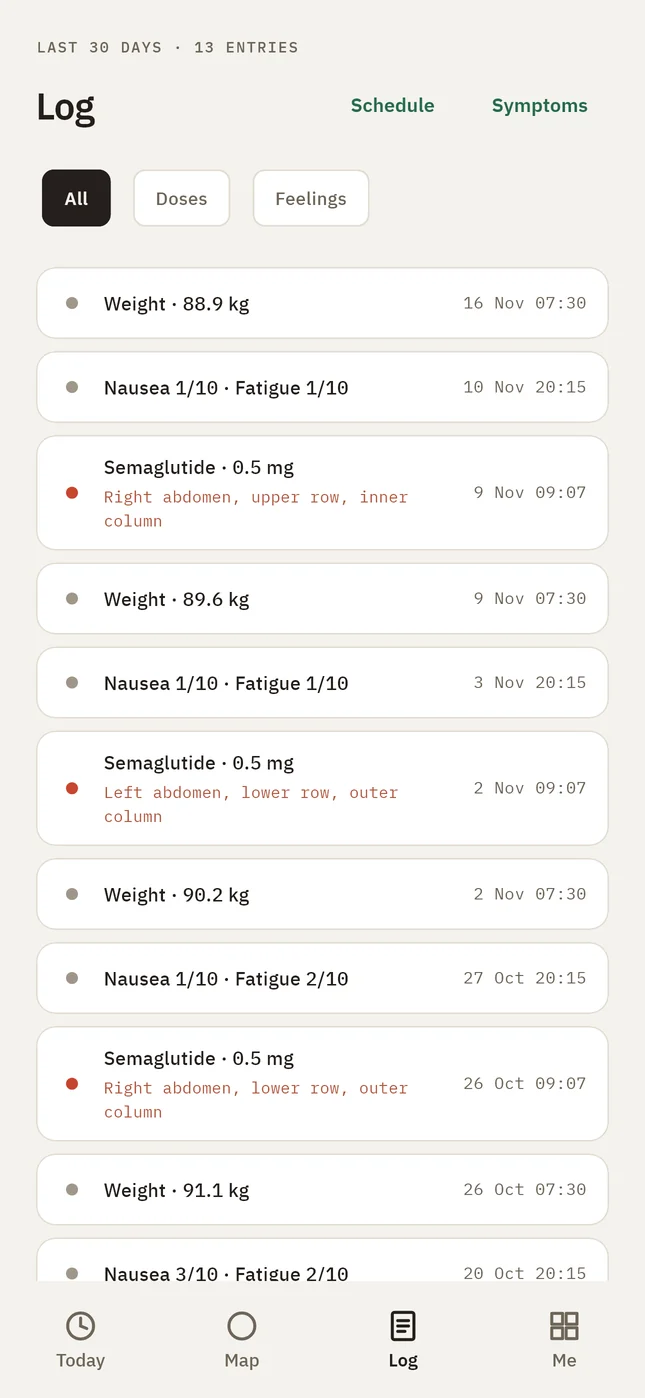
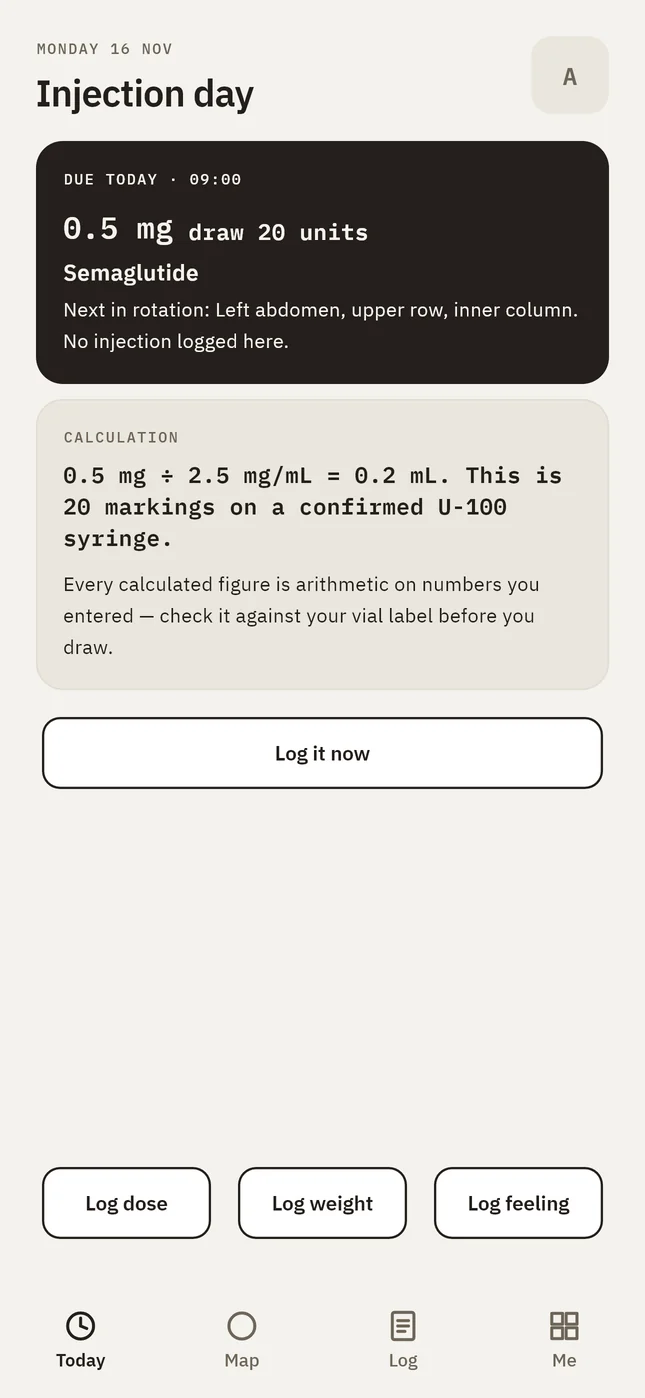
Peptide Log records injection dates, times, entered amounts, injection spots and associated vials. Its body map and vial records offer another way to revisit that information without maintaining separate spreadsheet tabs. The product also brings symptom check-ins and weight entries into its history.
After the first injection log, the next entry starts from previous details, which you can change before saving. Review those reused details each time; they describe a previous record and are not a recommendation for the next event.
Explore Peptide Log's features to compare its logging approach with the tasks you repeat. For the inventory side, read our guide to vial records.
Run three retrieval checks
After entering your sample, step away and then try these tasks:
- Find the event by its date without searching through unrelated notes.
- Identify the associated vial and the location you recorded.
- Find the appointment question without confusing it with a completed action.
Notice which workflow makes those checks clearer for you. This is a usability exercise, not a measured speed comparison or proof that either tool improves health outcomes. Neither a tidy sheet nor a polished screen can establish that your underlying information is correct.
Compare privacy and recovery separately
Ask where each copy lives, who can access it and what happens if the device disappears. A spreadsheet's privacy depends on its storage and sharing settings. A dedicated app also needs a clear explanation of storage, accounts and deletion.
The NIH recommends checking app privacy settings and data safety information.
Peptide Log's Privacy Policy says local records are excluded from cloud phone backups. Without an optional account, losing the phone can mean losing the log. That recovery tradeoff deserves attention alongside convenience.
Choose a workflow you can keep using
Keep a spreadsheet if you value custom columns and can maintain consistent records. Consider a dedicated tracker when revisiting dates, sites and vials across separate places becomes cumbersome.
If you change tools, retain your previous history and clearly mark where new entries begin. Do not assume automatic spreadsheet import or export exists without checking. See how Peptide Log organizes records before deciding whether its workflow fits yours.
Sources
- Tips When Using Mobile Health Apps, NIH NCCIH.
- Peptide Log features and Privacy Policy, publisher's product information.
General information
This article is general information to help you keep good records. It is not medical advice and does not replace your prescriber, your pharmacist or the leaflet that comes with your medicine. If something feels wrong in your body, contact a clinician. In an emergency, call your local emergency number.