 Peptide Log
· 3 min read
Peptide App: What to Look for in a Peptide Tracking App
Choosing a peptide app? Compare injection logs, site history, vial tracking and privacy, then see how Peptide Log keeps your records together.
A peptide app is a personal record-keeping tool for the injections, sites and vials you enter. A useful peptide tracking app makes those records easy to save and find. It should also make clear that recording an amount is different from recommending one.
If your notes are split between a calendar, screenshots and a notebook, start by comparing the everyday logging experience. Here is what to look for, and how Peptide Log approaches it.
What should a peptide app actually do?
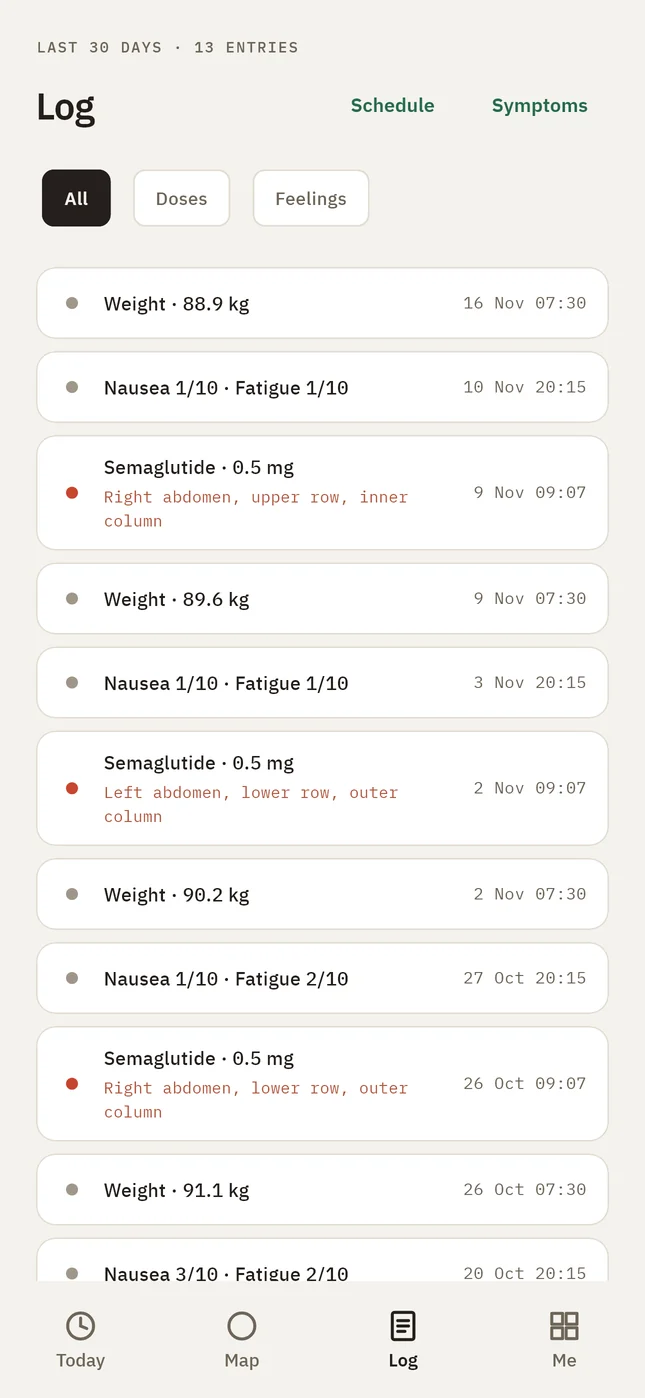
Start with one question: can you quickly find what you recorded last time? A clear log should show the date, time, amount with its unit, injection site and relevant vial together.
The US Food and Drug Administration recommends keeping an up-to-date medication list and sharing it with healthcare professionals. A dated injection history can add context to that list. It does not replace your prescription, medicine leaflet or conversations with your clinician.
Five features worth checking
1. A quick log you can check before saving
Look for clearly labeled fields and a way to review the entry. Reusing your previous details can reduce typing, but those details should remain editable. Yesterday's entry is a starting point for a record, not an instruction for today.
Check whether the history separates an actual injection from something merely planned. A calendar entry alone does not establish that an injection happened. Our injection log guide explains the details worth recording.
2. Injection site history you can read
A body map can make previous entries easier to find than inconsistent written descriptions. Useful information includes the spot you recorded and when you last used it.
Treat a map as a record of your own entries. Follow your medicine's instructions and your clinician's advice about suitable sites. An app's display cannot establish whether a particular spot is medically appropriate. Read more about keeping site-rotation records.
3. Vial records with understandable figures
If you keep vial records, look for a clear connection between a vial and the injections logged against it. You should be able to see the inputs behind any displayed amount remaining.
A calculated balance depends on what you entered. It cannot verify the contents, quality or condition of a physical vial. Our vial tracking guide covers the record-keeping side.
4. Privacy you can understand
Before choosing any health app, read its privacy policy and check which permissions it requests. The National Institutes of Health advises checking privacy settings and an app's data safety information.
Ask whether an account is required, what leaves your phone, how deletion works and what happens if the phone is lost. Local storage and optional sync involve different tradeoffs. Look for an explanation of both rather than relying on a privacy slogan.
5. History that stays useful over time
Try to picture a normal review: finding an earlier entry, correcting a mistake and looking back over several weeks. A useful peptide log app should make those ordinary tasks clear.
If you also record weight or symptoms, check how those entries appear alongside your history. Having records together is convenient; it does not prove that one event caused another.
Notes app, spreadsheet or peptide tracker?
A notebook or spreadsheet can be enough when your needs are simple. A dedicated tracker becomes more useful when repeatedly checking dates, sites and vials takes too much searching.
Choose based on the tasks you actually repeat. Extra features matter less than a log you understand and can maintain. Before committing, check the subscription terms and which functions remain accessible without a subscription.
How Peptide Log brings the records together
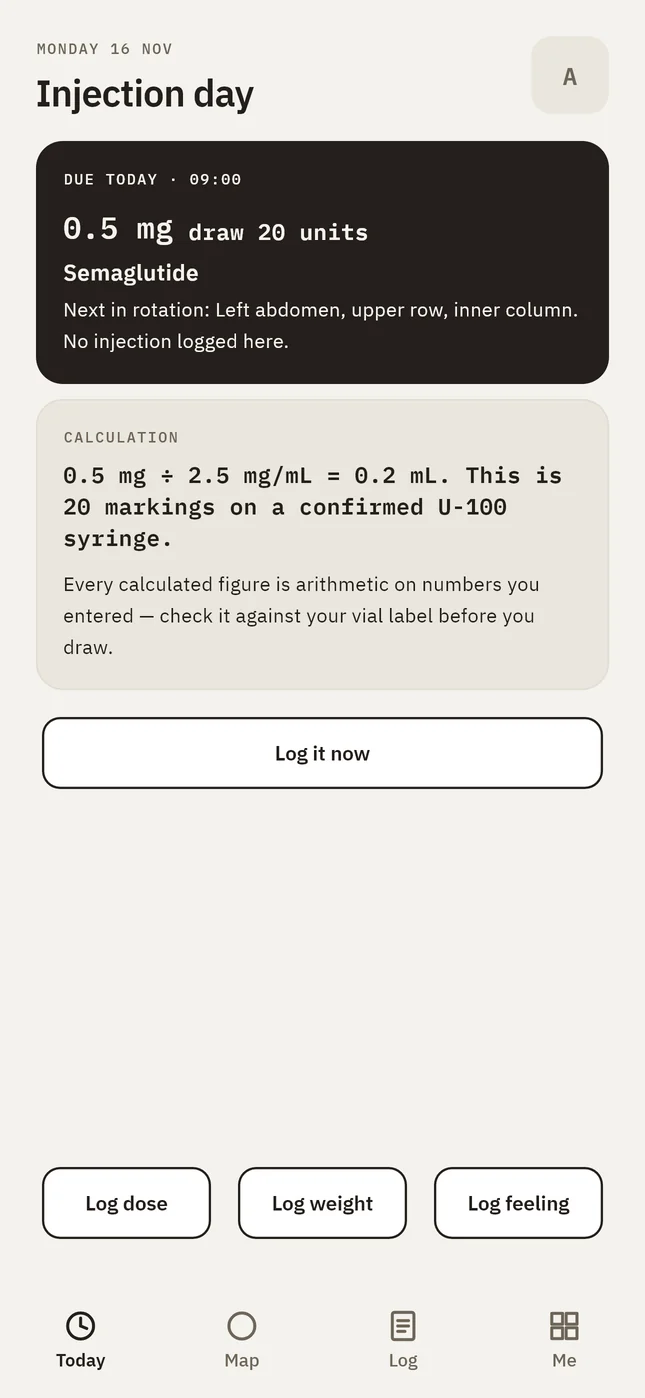
Peptide Log combines injection logging, a body map, vial records, symptom check-ins and weight entries. The next injection entry can start from your previous details, with changes reviewed before saving. Core logging works offline without an account.
Your local log is excluded from cloud phone backups. Without an account, losing the phone can mean losing the log. Read the Privacy Policy for storage, optional sync and deletion details.
See how Peptide Log works and compare its screens with your own record-keeping needs.
Sources
- Create and Keep a Medication List for Your Health, US Food and Drug Administration.
- Tips When Using Mobile Health Apps, NIH National Center for Complementary and Integrative Health.
- Peptide Log features and Privacy Policy, product information from the publisher.
General information
This article is general information to help you keep good records. It is not medical advice and does not replace your prescriber, your pharmacist or the leaflet that comes with your medicine. If something feels wrong in your body, contact a clinician. In an emergency, call your local emergency number.